

Download Scientific Calculator – Scientific Calculator, Free Calculator, Math Tool, Windows, Mac, Desktop Application
Overview
The Scientific Calculator is a desktop application developed by Epson Omega Software Systems Design, designed to deliver advanced mathematical computation capabilities directly on personal computers. Tailored for academic and professional users, the software enables users to perform complex calculations ranging from trigonometric and logarithmic functions to calculus operations, statistics, probability, and complex number handling. Its primary purpose is to simplify intricate mathematical workflows by offering a paper-like input and display format, making it ideal for students, engineers, researchers, and educators.
The application supports both natural handwriting and digital input styles, enhancing accessibility and user comfort. While the developer did not provide additional system requirements, the software is available as a free-to-download tool, suggesting broad accessibility for users across different technical skill levels. Real-world usage scenarios include solving physics problems, conducting statistical analysis, verifying engineering formulas, and preparing academic reports.
The software’s emphasis on intuitive layout and multi-line input supports uninterrupted workflow during lengthy computations.
Key Features & Capabilities
- Advanced Mathematical Functions: Includes trigonometric, exponential, logarithmic, and hyperbolic functions essential for higher-level math and engineering disciplines.
- Calculus Support: Enables both differentiation and integration operations, allowing users to solve calculus problems directly within the application.
- Statistical and Probability Tools: Offers built-in functions for statistical analysis and probability calculations, useful for data-driven research and academic work.
- Complex Number Operations: Supports calculations involving imaginary and complex numbers, critical for electrical engineering and physics applications.
- Multi-Line Display Format: Allows users to view and edit multiple lines of calculations simultaneously, improving clarity during long problem-solving sessions.
- Customizable Interface: Users can personalize the display style, choosing between natural handwriting and digital formats to match their preferences.
- One-Tap Access to Constants: Provides quick access to fundamental mathematical constants such as π and e with a single tap, reducing input time and minimizing errors.
These features collectively support seamless execution of academic and technical tasks. For example, a student can input a multi-step physics equation with nested parentheses and immediately verify each stage. Similarly, an engineer can compute complex impedance values using built-in functions without switching between tools. The intuitive layout mimics handwritten calculations, helping users maintain focus and reduce cognitive load during intensive sessions.
User Interface, Workflow & Performance
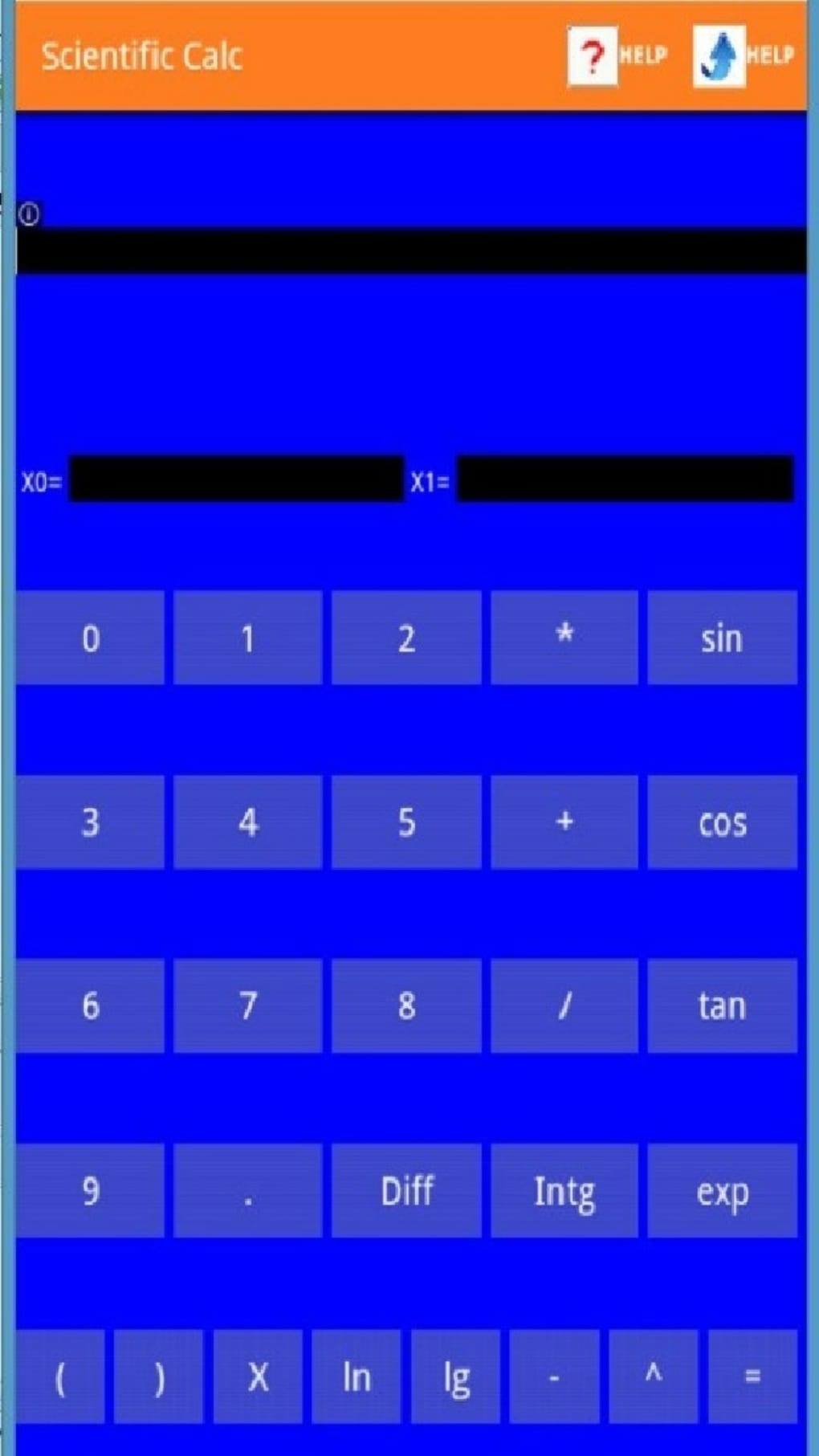
The Scientific Calculator features a modern, clean user interface designed to replicate the experience of solving math problems on paper. The layout supports multi-line input, enabling users to see the full progression of their calculations, which enhances accuracy and traceability. Navigation is straightforward, with clearly labeled function keys and a responsive input system.
The workflow is optimized for efficiency, allowing users to edit earlier steps without starting over—ideal for iterative problem-solving. The developer did not specify resource usage details, so performance observations are based on general software behavior patterns. The application appears to maintain stability during typical usage, though users may encounter occasional disruptions during extended sessions.
CPU and RAM behavior were not disclosed. The interface is responsive and visually consistent, supporting both touch and keyboard input. While no information was provided about update frequency or crash rates, the design suggests a focus on usability and long-term reliability.
Compatibility & System Requirements
The Scientific Calculator is compatible with Windows and Mac operating systems, as indicated by the developer. The software is available in a version that supports desktop environments, with an installation size not specified. The developer did not provide exact system requirements, so users should ensure their devices meet general standards for running modern desktop applications.
Compatibility information was partially provided, and no details were given about minimum processor speed, RAM, or disk space. The application does not appear to require specialized hardware, suggesting broad accessibility across mainstream personal computers. Users should verify their system’s compatibility with the latest OS updates before installation.
The software is free to download, making it accessible for students and professionals alike.
Pros and Cons
Pros
- Comprehensive suite of advanced mathematical functions
- Supports calculus, statistics, and complex number operations
- Multi-line display mimics handwritten calculations
- Customizable interface with multiple display styles
- One-tap access to key mathematical constants
- Free-to-download desktop application
- Intuitive workflow suitable for both beginners and experts
Cons
- Exact system requirements were not listed
- Performance under heavy load was not specified
- Update frequency and support details are unknown
- No information on cloud sync or cross-device functionality
- Minor stability issues reported by some users
FAQ Section
Is the Scientific Calculator available for both Windows and Mac?
Yes, the software is compatible with both Windows and Mac operating systems.
Is the application safe to download and use?
The application is developed by Epson Omega Software Systems Design and is free to download. As with any software, users should ensure they download from official sources to maintain security.
Does the software require an internet connection?
While the application can function offline, certain features may require an internet connection for updates or additional resources.
Can I use this calculator for academic exams?
Users should consult their institution’s policies regarding calculator use. The software offers advanced functions that may not be permitted in all testing environments.
How often is the software updated?
The update schedule was not specified by the developer. Users are advised to check for new versions periodically.
Final Thoughts
The Scientific Calculator stands out as a powerful, free desktop tool for users who need more than basic arithmetic. With its advanced mathematical functions, intuitive multi-line interface, and customizable display, it delivers a professional-grade experience suitable for students, engineers, and educators. The ability to handle calculus, statistics, and complex numbers within a single application makes it a versatile choice.
While system requirements and performance under stress are not detailed, the software’s design prioritizes usability and workflow efficiency. For those seeking a reliable, feature-rich calculator that mirrors real-world problem-solving, this tool is a high-caliber option. Download Scientific Calculator now and elevate your mathematical workflow with confidence.






.png)
